Sign In
Password
Forgot password?
New to ShopGlobal? Sign Up
Authentic products | Secure payments | Singapore support | Doorstep delivery | Trusted by Millions of Customers Worldwide Since 2015 | No Hidden Customs Taxes and DutiesAuthentic products | Secure payments | Singapore support | Doorstep delivery | Trusted by Millions of Customers Worldwide Since 2015 | No Hidden Customs Taxes and Duties
→
UGREEN FineTrack Slim Rechargeable Bluetooth Finder for Android Only
Brand: UGREEN
Product Overview
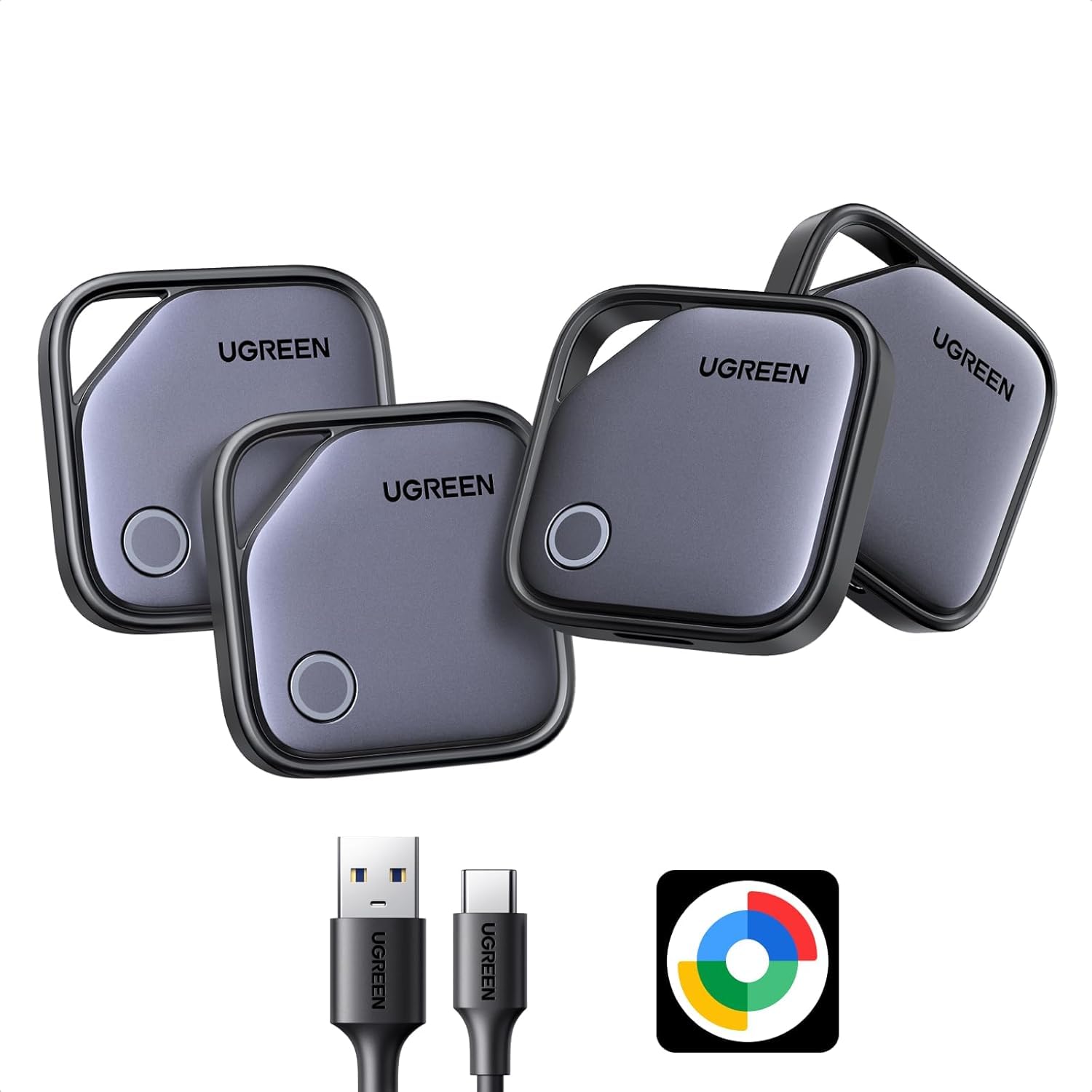
UGREEN 4 Pack FineTrack G Smart Finder, Bluetooth Tracker 1-Year USB-C Rechargeable Compatible with Google Find Hub (Android only), 80dB Alarm Volume, Item Finder and Locator for Keys, Suitcase, Car
Product Details
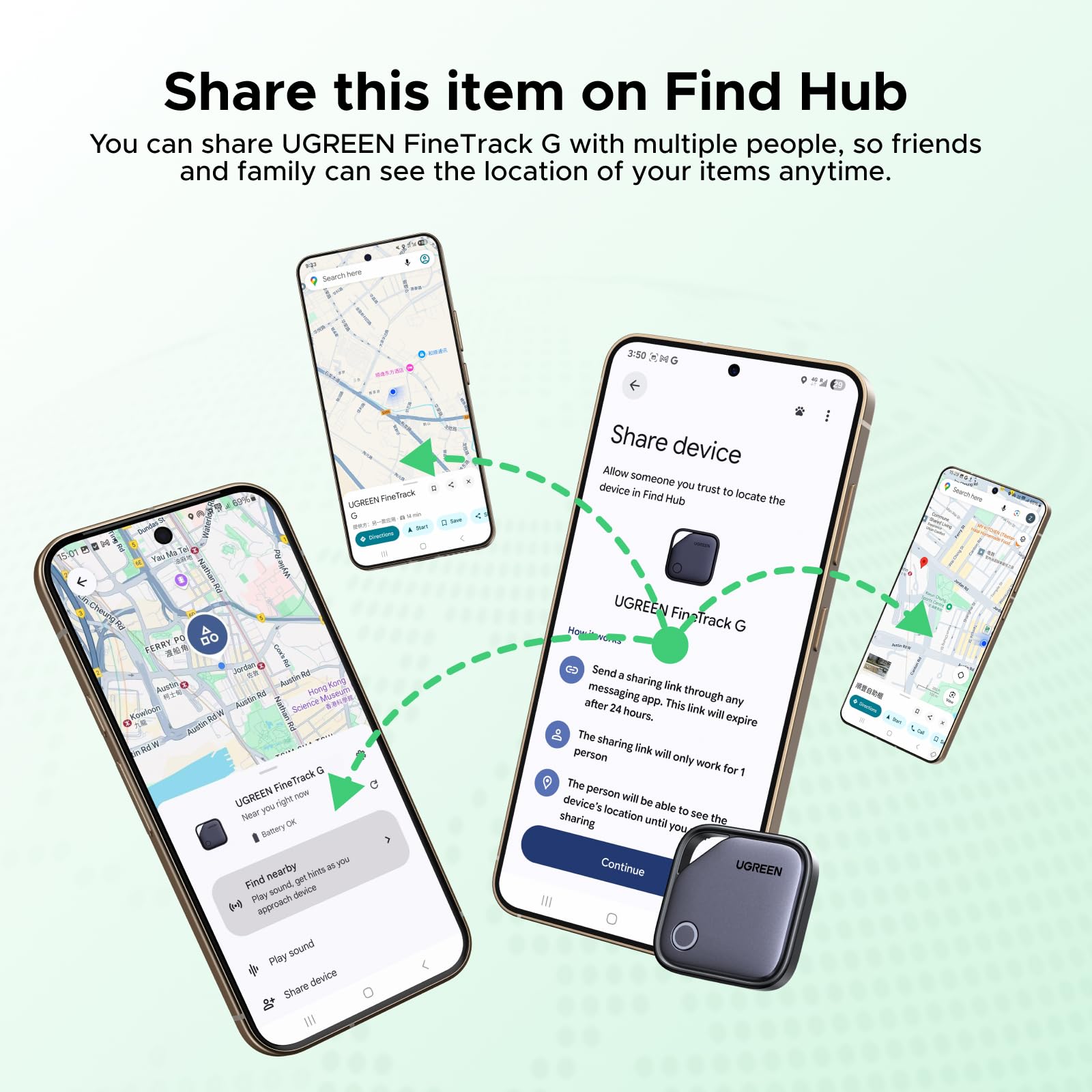
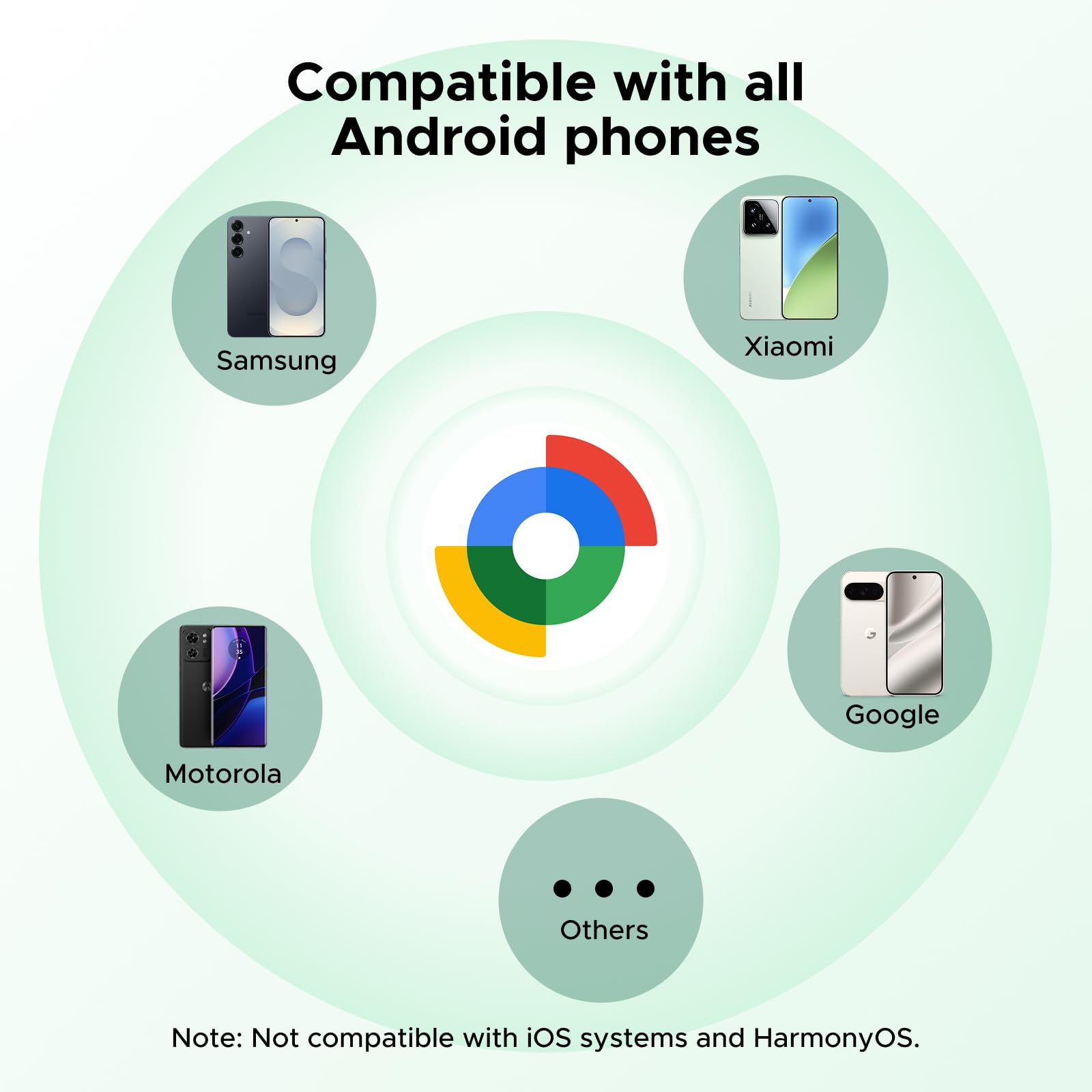
Google Find Hub Certified Tracker: Officially certified by Google Find Hub, this smart tag integrates seamlessly with the Google ecosystem and Android devices, providing reliable location tracking and stable connectivity across your Android devices. (Not for IOS & Huawei devices)
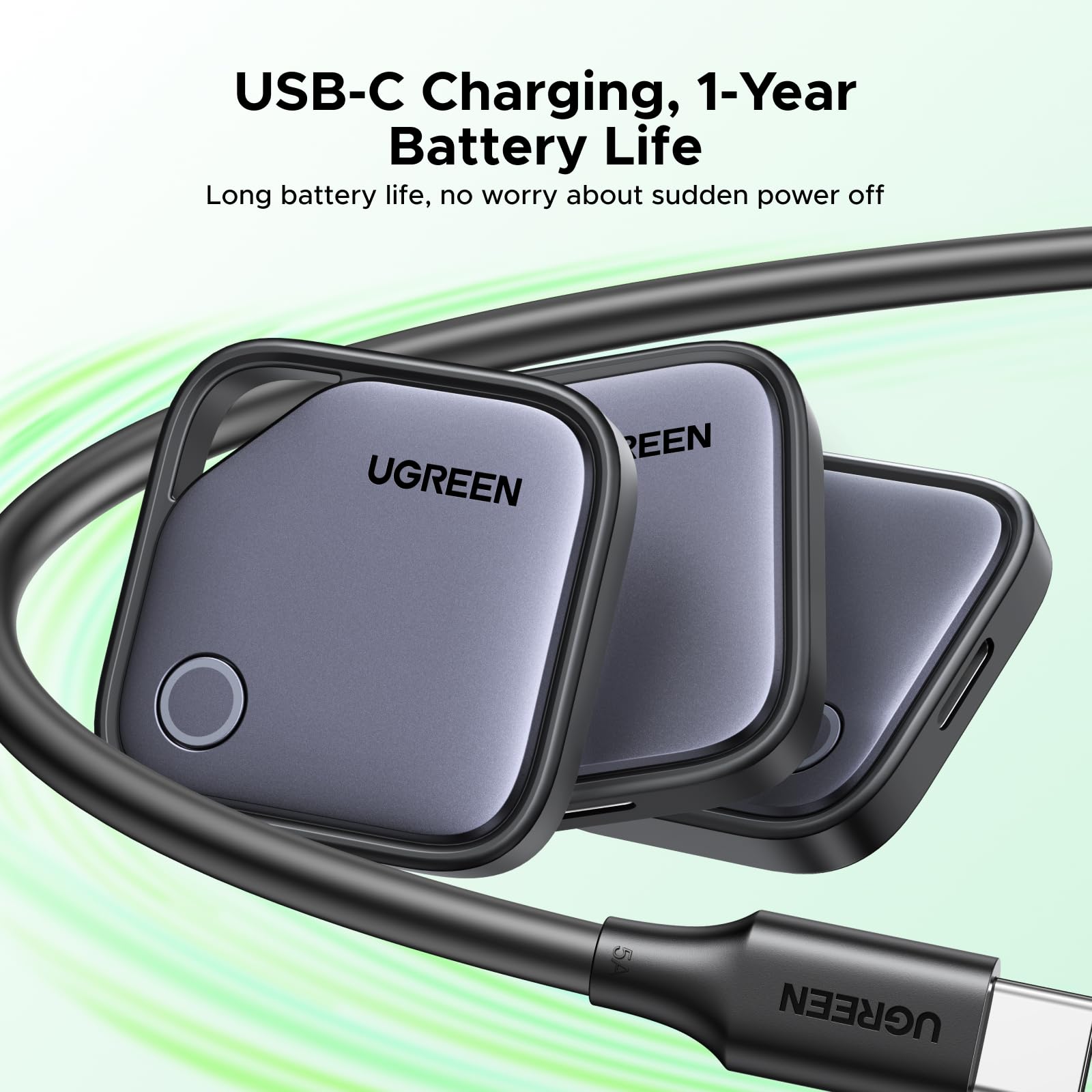
USB-C Rechargeable: Say goodbye to the hassle of having to replace batteries, one charge can last up to 12 months. You can check the current battery level anytime through the app.
Versatile Item Finder for Everyday Use: Easily attach this tracker to your wallet, passport, luggage, remote or backpack. Compatible with Android devices, it helps you keep track of your items and ensures they stay safe during business trips, vacations, or daily commutes.
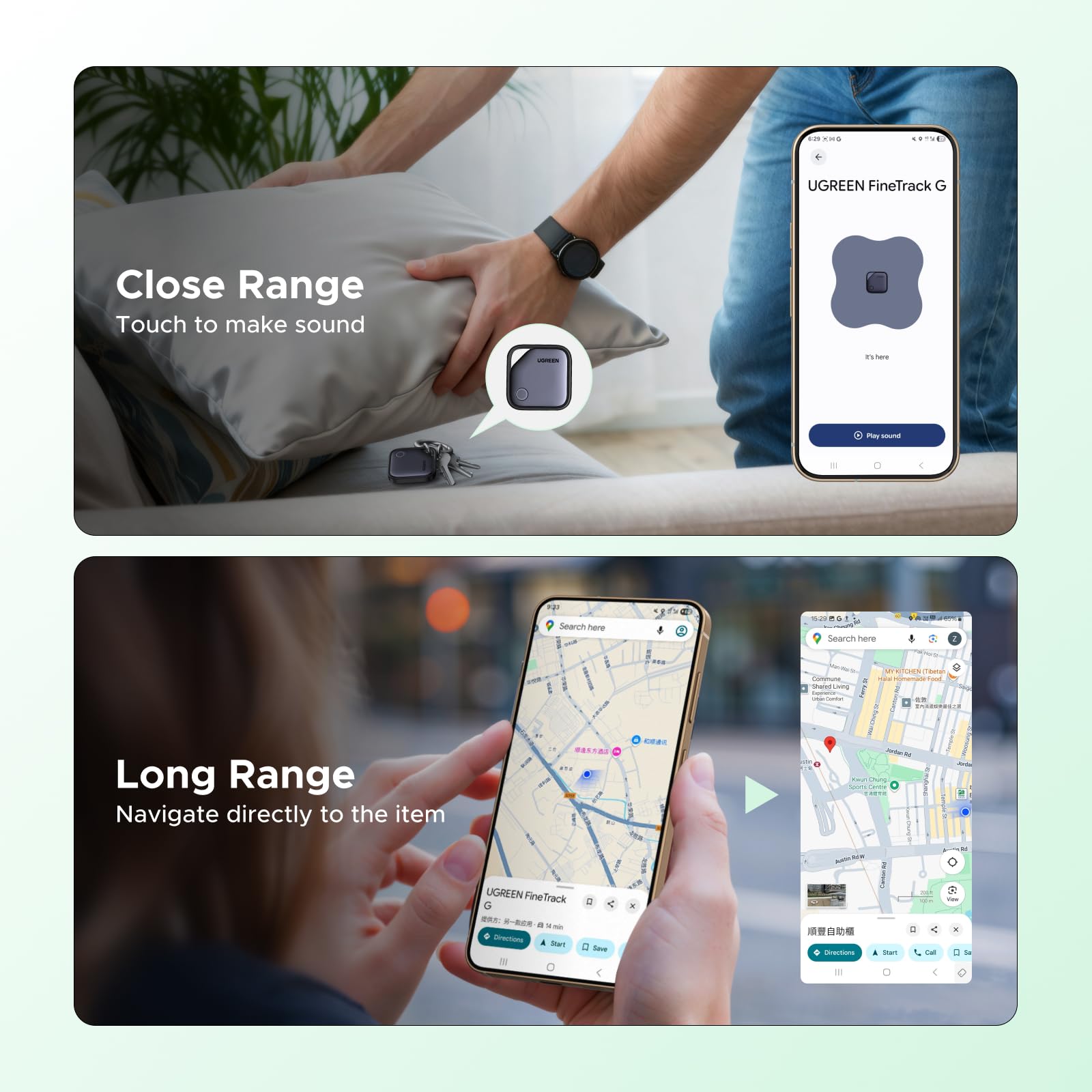
Quickly Find Your Item: The app will guides you with a signal meter that strengthens as you get closer. Find items anywhere in your home, office, or even in your backyard.
Note①: This Smart Finder is ONLY for Android 9.0 and above. NOT for iOS or HUAWEI HarmonyOS. If you cannot connect to your phone, please try resetting the factory settings or restarting your phone.
NOTE②: If you find that the locator and phone are separated and the location is not updating, you need to: Open Find HUB --> Tap Settings --> Tap Find Center --> Allow device location (tap to turn on) --> Tap Find Offline Devices --> (Select) Use Find Center network in all areas