Sign In
Password
Forgot password?
New to ShopGlobal? Sign Up
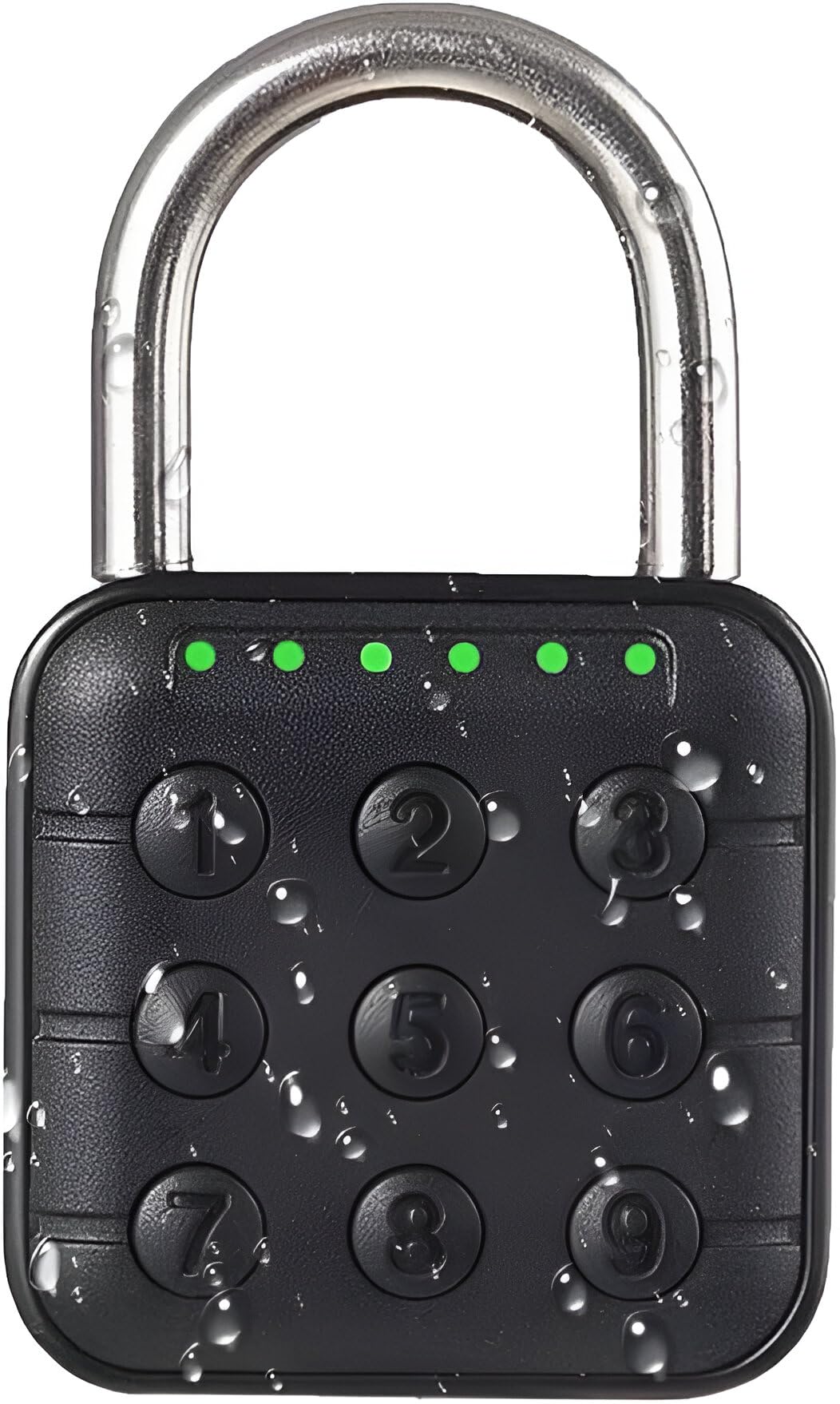
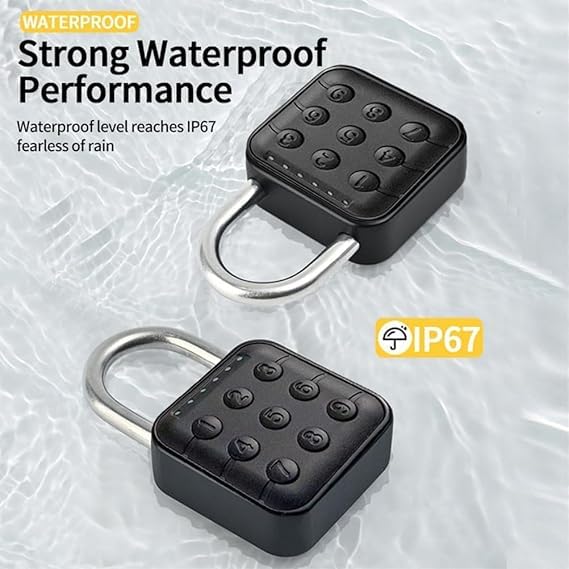
Jukusa 6 Digit Password Locker Lock Aluminum Alloy Code Digital Padlock, Push Button Safe Security Padlock, Combination Padlock for Gym and School Lockers(Black)
Brand: Jukusa
Product Overview
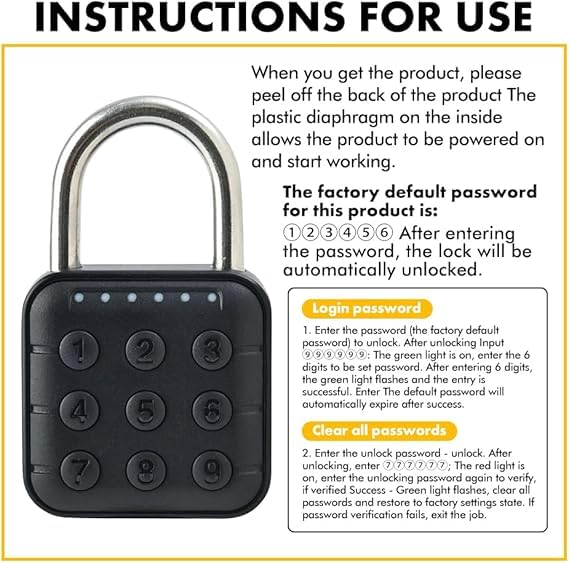
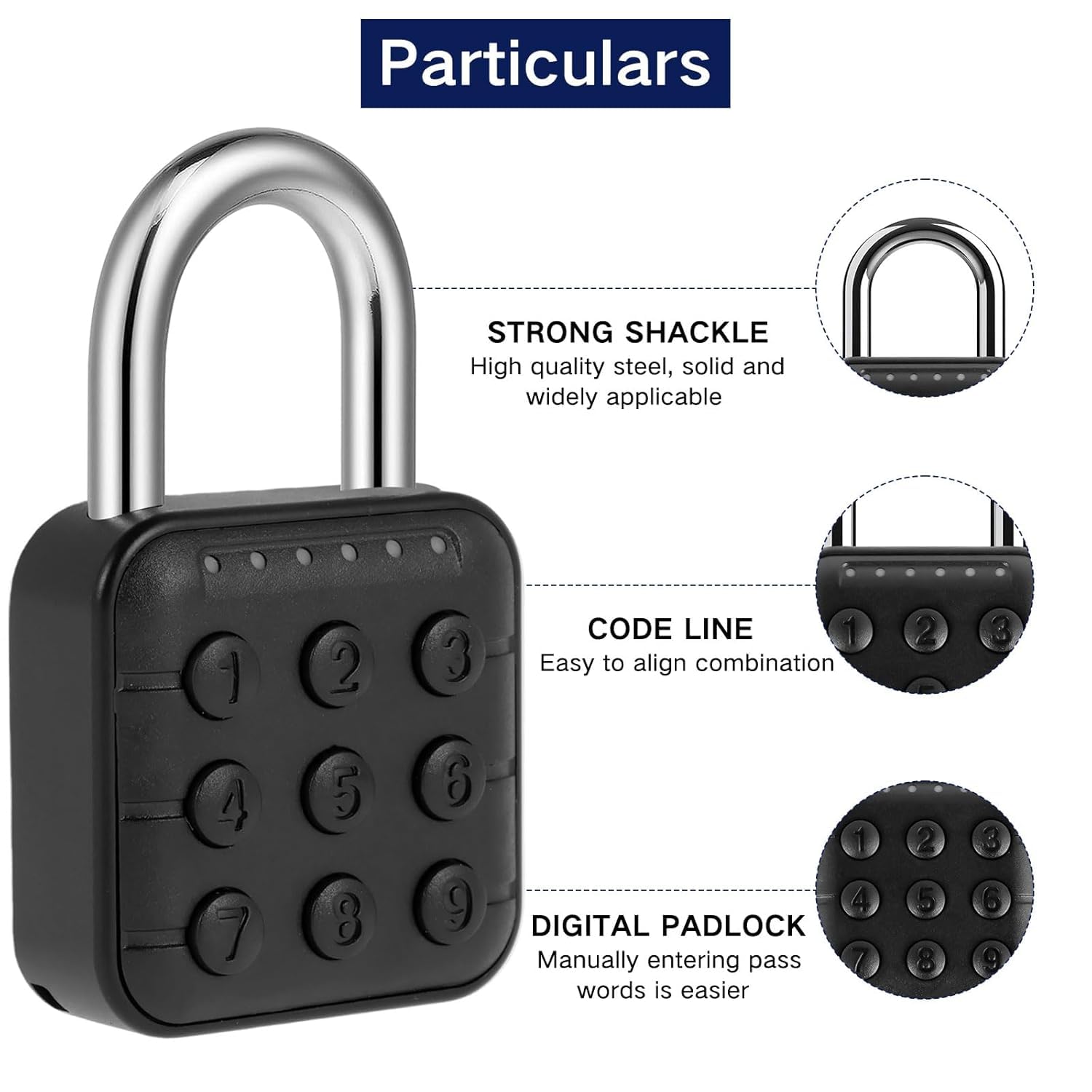
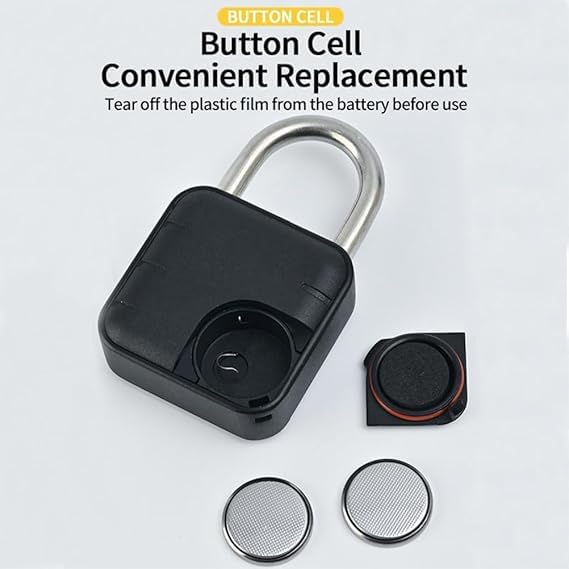
???Jukusa 6-Digit Password Locker Lock – Aluminum Alloy Digital Padlock for Gym & School Lockers (Black)???Keep your child’s belongings safe with the Jukusa 6-Digit Password Locker Lock, designed for hassle-free security and durability. Made from high-quality aluminum alloy, this sturdy combination padlock ensures long-lasting performance, perfect for school lockers, gym bags, and travel cases. The push-button digital design makes it easy for kids to set and remember their unique code without needing a key. Featuring a 6-digit password system, this padlock provides enhanced security compared to traditional 3 or 4-digit locks. Its compact yet robust construction fits most standard lockers, offering peace of mind to parents who want their child’s valuables protected. The scratch-resistant and rustproof finish ensures it stays in top condition even with daily use. Ideal for kids, teens, and even adults, this lightweight and portable lock is easy to carry. With a quick and simple setup, children can secure their items effortlessly. Give your child the confidence to store their belongings safely with the Jukusa Password Locker Lock – the smart security choice for students and active kids!Notes:?? Respected Users: Thanks for choosing the Jukusa 6-Digit Password Locker Lock. For the best experience, please read the user manual carefully before first use.? Power-On: Remove the plastic film on the back of the lock to activate the system.?? Default Password: The factory-set password is ??????. Entering this will unlock the device.?? Register New Password: Unlock using the default password, then enter ?????? (green light turns on), followed by your desired 6-digit password. A blinking green light confirms successful setup.? Reset to Factory Settings: Unlock using the current password, then enter ?????? (red light turns on), followed by your unlock password again. A green light confirms reset; failure exits the setting mode.
Product Details