Sign In
Password
Forgot password?
New to ShopGlobal? Sign Up
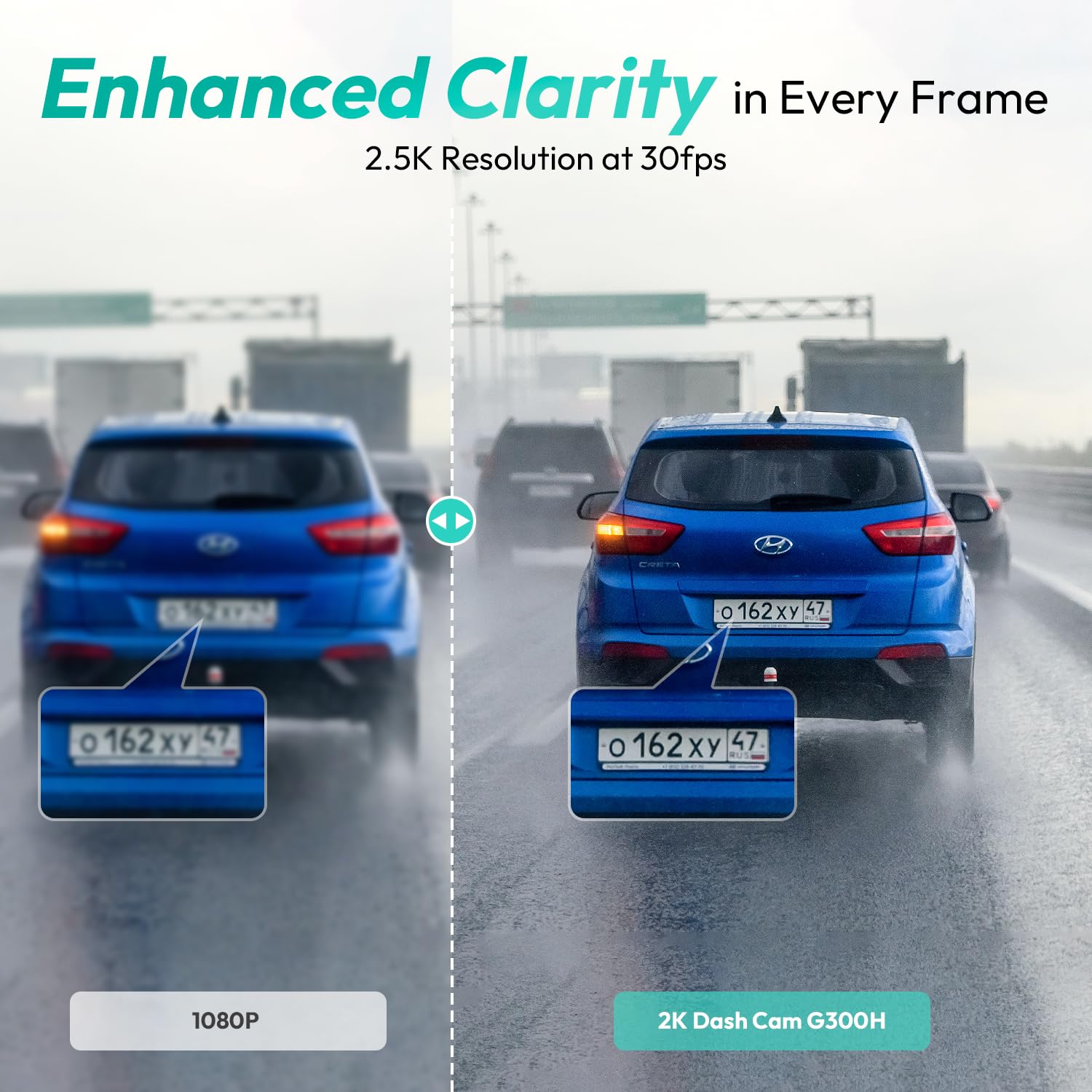
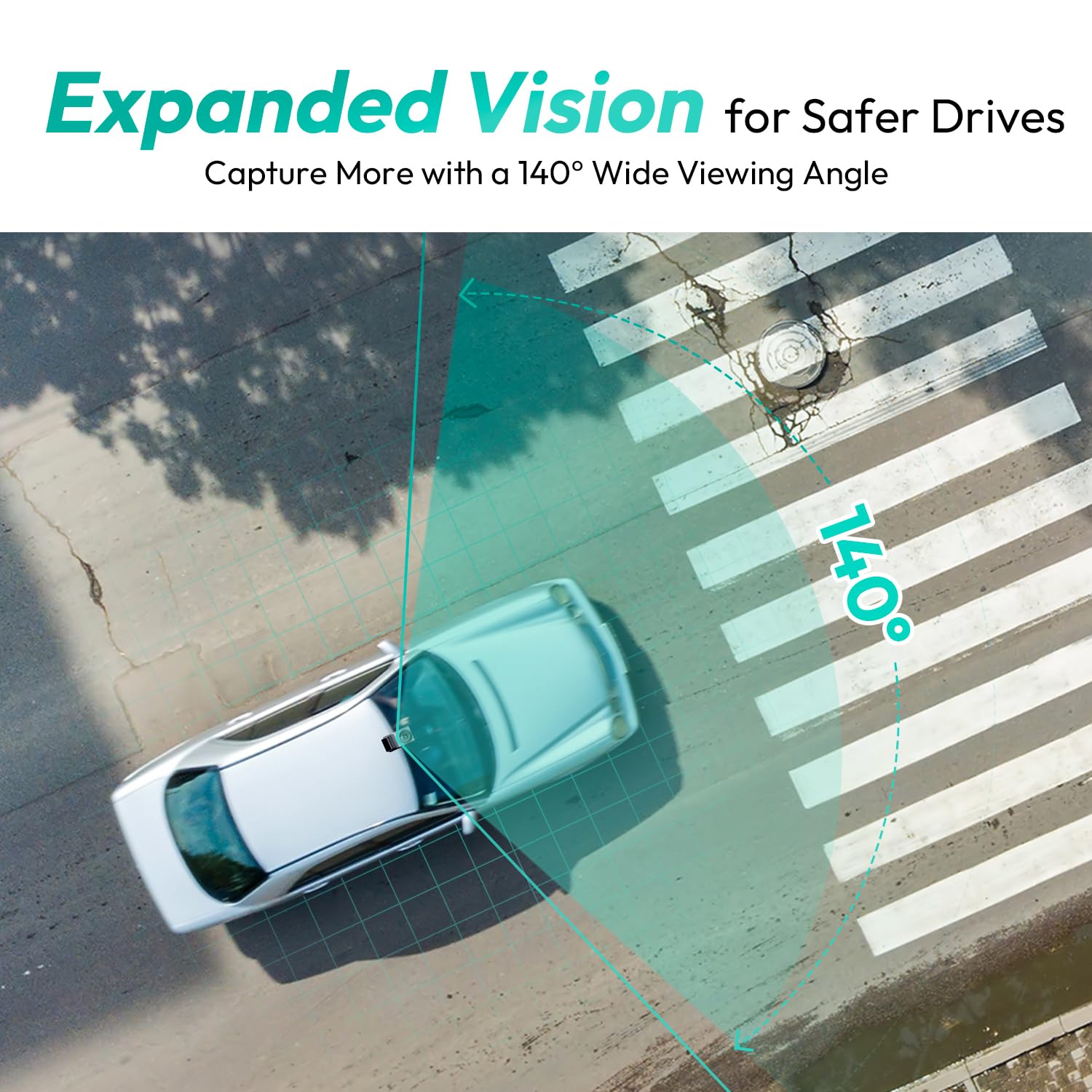

BOTSLAB Dash Cam G300H Pro, 1296P Car DashCam, 140° Wide Angle Car Camera, Color Night Vision, Built in WiFi GPS, 24h Motion Detection Parking Mode, Emergency and Loop Recording
Brand: BOTSLAB
Product Overview
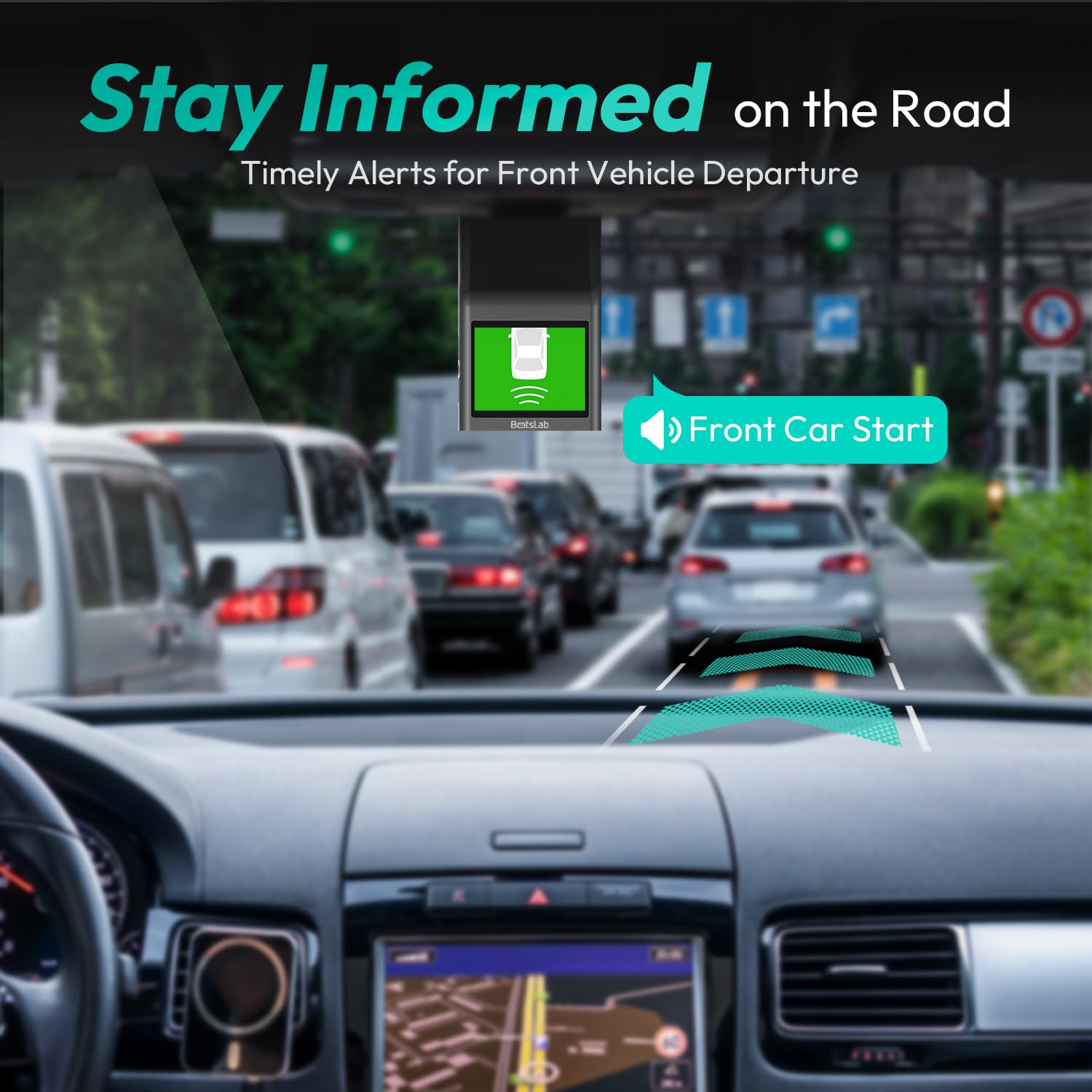
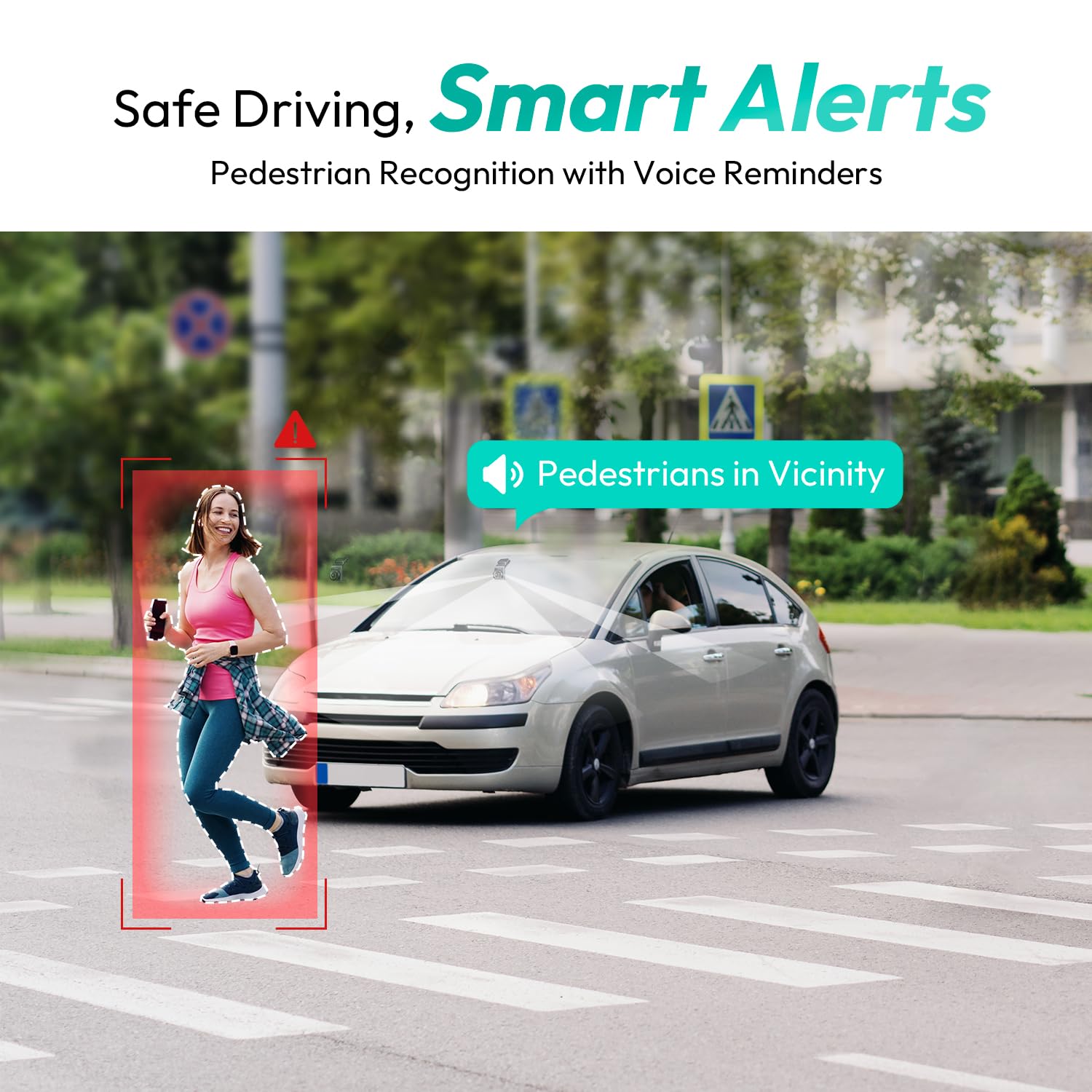
The Botslab G300H Pro is a car dash camera that records video in 2K QHD resolution (1296p). The device features built-in GPS, ADAS functionality, WiFi connectivity, and 24-hour parking monitoring capabilities. Video Recording This dashcam records continuously in loop mode. Video resolution is 1296p at 30 frames per second. The 140-degree wide-angle lens captures the area in front of the vehicle. The camera uses H.264 video compression format. When the memory card reaches capacity, the oldest unlocked files are automatically overwritten. ADAS Features The Advanced Driver Assistance System includes: Front vehicle start reminder Pedestrian collision alert Lane departure warning Headway monitoring Driver fatigue reminder (configurable for 2, 4, 6, or 8 hours) These features provide alerts based on detected conditions during driving. GPS Functionality The built-in GPS module records: Vehicle speed Location coordinates Time and date stamps Driving route data Route information can be viewed through the mobile application. GPS data is stored locally on the device. G-Sensor and Emergency Recording The built-in 3-axis G-sensor detects sudden movements. When triggered by impacts, collisions, or harsh braking, the current video segment is locked to prevent automatic deletion during loop recording. Locked files are stored separately from regular loop recording files. WiFi and Mobile App The G300H Pro connects to smartphones via 2.4GHz WiFi. The Botslab mobile application is available for iOS and Android devices. Through the app, users can: View live camera feed Play back recorded videos Download files to smartphone Adjust camera settings Update firmware via OTA (over-the-air) View GPS route data on maps Night Recording The camera includes image processing technology for recording in low-light conditions. Color night vision functionality maintains video quality during nighttime or dark environment recording. Parking Mode Parking monitoring includes: Time-lapse recording Motion detection Impact detection via G-sensor Continuous 24-hour parking mode requires a hardwire kit (sold separately, ASIN: B0D3QK86TQ). Without hardwire kit, parking mode operates on camera's internal power capacity. Installation The camera mounts on the windshield using: Electrostatic sticker (for surface adhesion) 3M adhesive mount (for camera attachment) Adjustable bracket for angle positioning Installation includes routing the power cable from the camera to the car charger. The package includes mounting tools for cable management. Loop Recording Loop recording operates continuously. Users can select segment lengths (typically 1, 3, or 5 minutes per segment). When storage is full, the oldest unlocked files are overwritten. Emergency-locked files are protected from overwriting. Storage The device supports microSD cards up to 256GB capacity. Class 10 or higher speed rating recommended for optimal performance. Memory card is not included with the camera. Power Requirements Input: 5V via car charger Connection: Micro USB Includes car charger and power cable Operating Conditions Operating Temperature: -10°C to 60°C Storage Temperature: -20°C to 70°C Technical Specifications Video Resolution: 1296P (2K QHD) @ 30fps Lens: 140° wide angle WiFi: 2.4GHz GPS: Built-in module Storage: microSD up to 256GB (not included) Video Codec: H.264 G-Sensor: 3-Axis Mount Type: Electrostatic sticker + 3M adhesive App Compatibility: iOS and Android ADAS: Front vehicle start, pedestrian alert, lane departure, headway monitoring Audio: Built-in microphone (can be disabled) Package Contents G300H Pro Dashcam Unit Car Charger Power Cable (Micro USB) Electrostatic Sticker 3M Adhesive Mount Mounting Tools User Manual WiFi Setup Default WiFi Name: Botslab-G300H-XXXX Default Password: 12345678 (changeable via app) Security Verification First-time connection requires verification on the dashcam. When prompted by voice notification, press the power button to confirm connection with smartphone. App Func
Product Details