Sign In
Password
Forgot password?
New to ShopGlobal? Sign Up
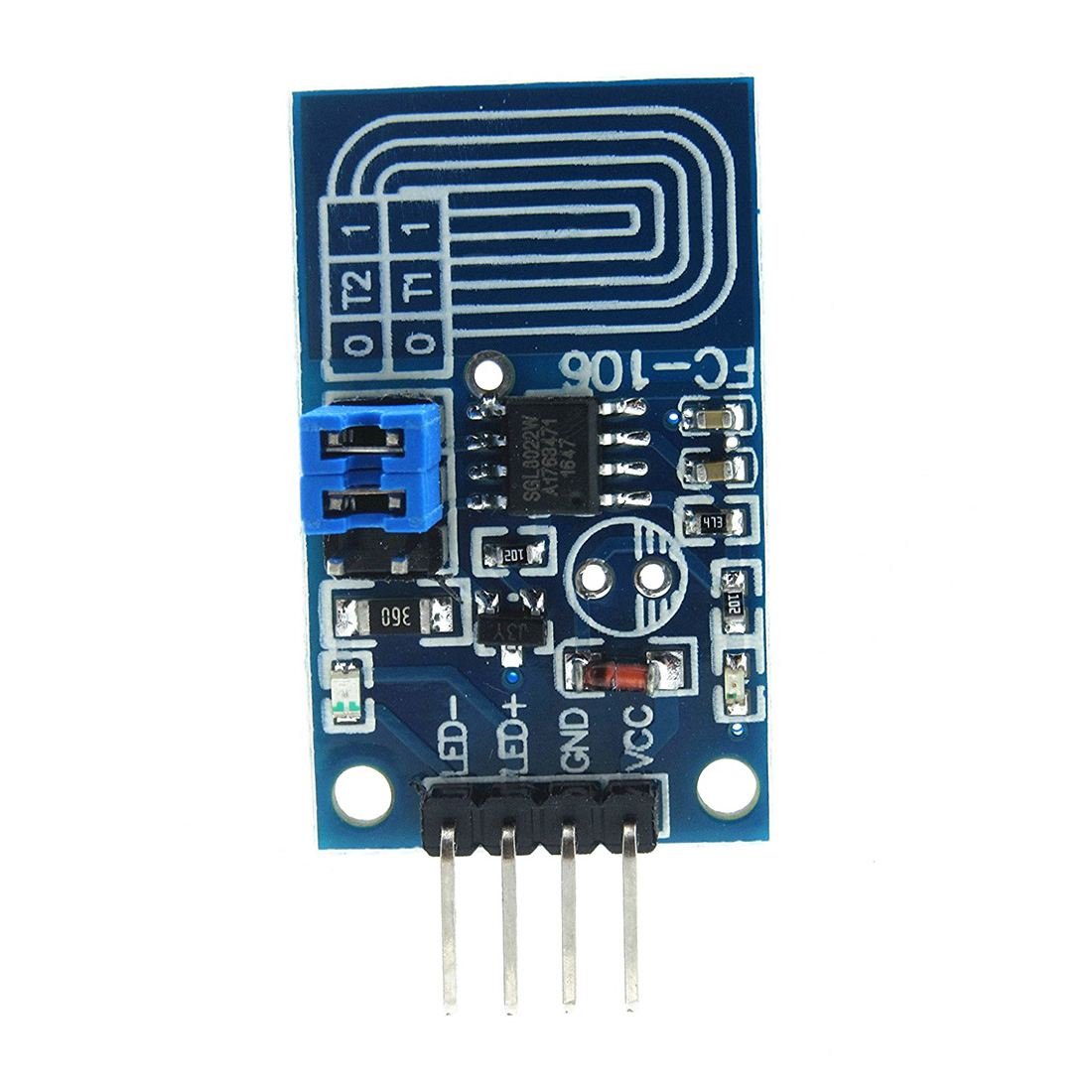
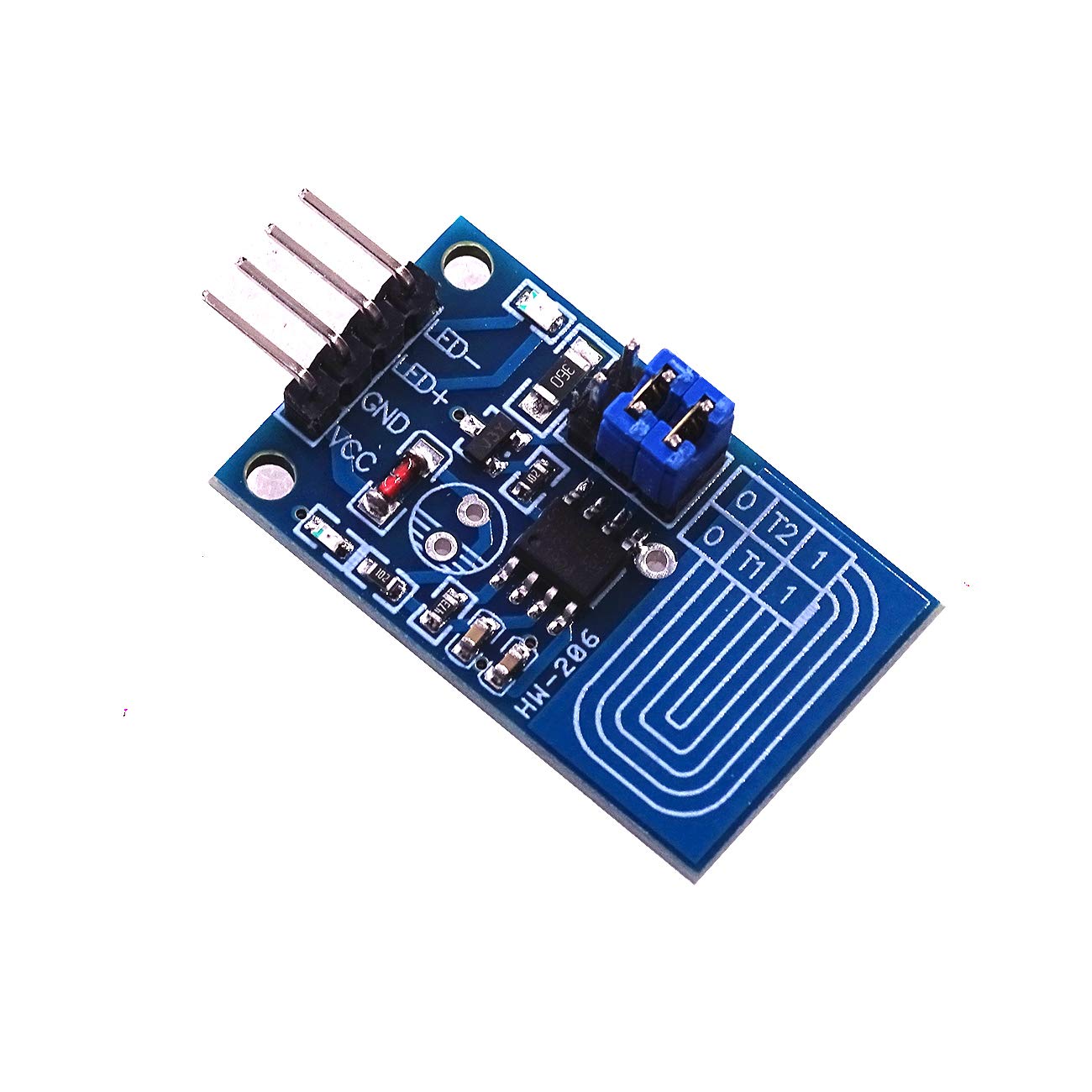
CentIoT - Capacitive Touch LED Dimmer PWM Control Switch Module for Indoor LED DIY Automotive Lights Dimming Refit
Brand: CentIoT
Product Overview
Jumper Settings: 1. T1 = 1, T2 = 1 corresponding: LED touch stepless dimming without brightness memory 2. T1 = 0, T2 = 1 corresponding: LED touch stepless dimming function without brightness Memory fading 3. T1 = 1, T2 = 0 corresponding: LED touch stepless dimming function with brightness Memory fading 4. T1 = 0, T2 = 0 corresponding: led three touch dimming function Touch Functions: A) when the touch is clicked (the touch duration is less than 550ms), the light on / off control can be realized. Once click touch, the light is on; once click touch, the light is off. This cycle. When the light is on or off, there is no brightness buffer. And the initial brightness of the light is fixed at 50% of the full brightness. B) Press and hold the touch for a more than 550ms to gradually increase the brightness of the light. When released, it stops at the brightness corresponding to the release time. If the press for a long time is more than 3 seconds, the brightness of the light will not change after reaching the maximum brightness. C) Click the touch to turn on and off the light, the light smoothly reduces from the current brightness until it is turned off It can achieve the visual buffering effect of slowly changing brightness and protect the eyes and vision. D) Under continuous power supply, the brightness will be memorized each time turn off the light, and the next time you click the touch to turn on the light, the brightness will be used as the initial brightness. In case of power failure, the first time after power on, click touch to turn on the light, and the initial brightness is fixed at 50% of the full brightness. E) LED three touch dimming function: Click the touch, the light brightness is in the order of low brightness ? medium brightness ? high brightness ? off Debugging tips: If it is triggered by mistake or not during debugging, it
Product Details