Sign In
Password
Forgot password?
New to ShopGlobal? Sign Up

Walberrie LCD Night Light Indoor Humidity Monitor Temperature Sensor Hygrometer Thermometer with Date Time Alarm Clock
Brand: WALBERRIE
Product Overview
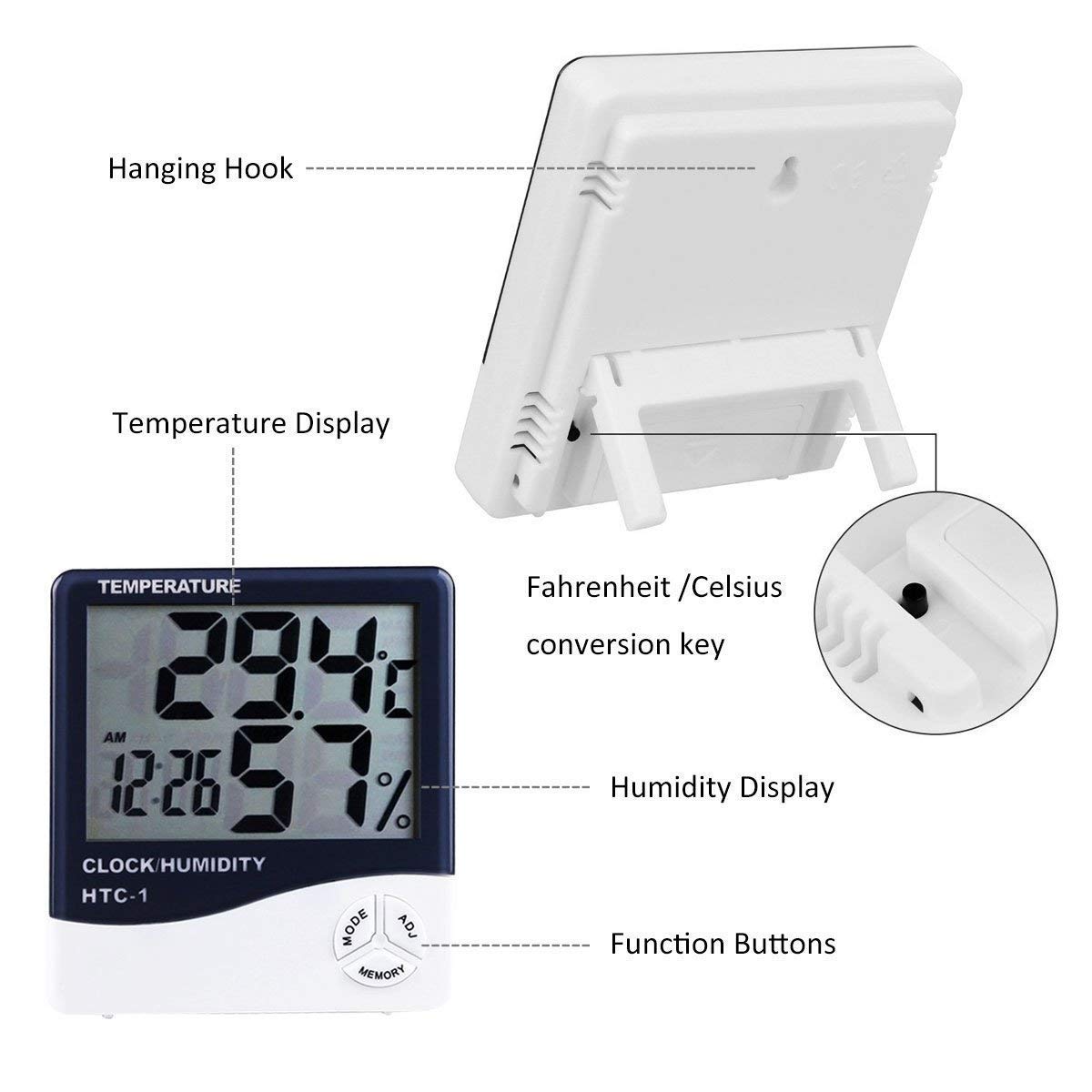
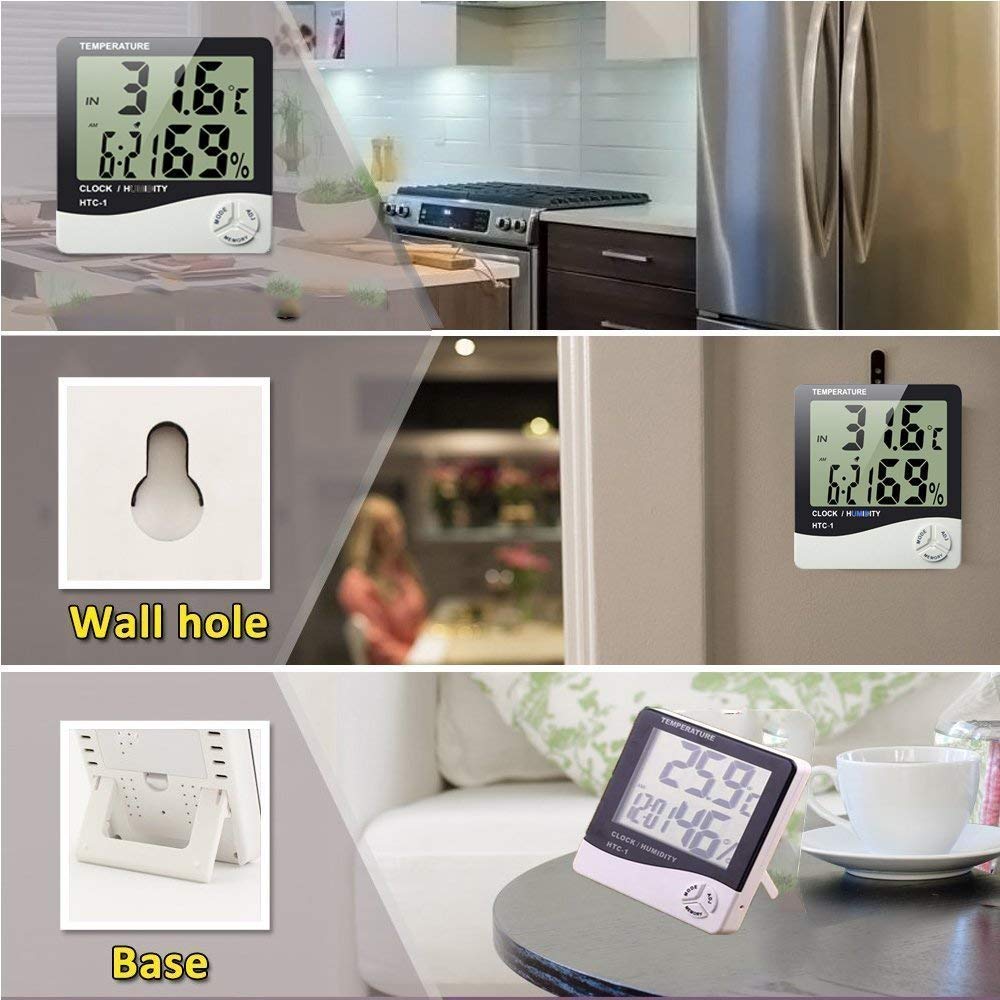
Instructions: Walberrie Open, Pressing A Button With Lights Lit Luminous Icon Switching Temperature Unit:Oress The C/F Button To Switch Temperature Display Unit. Check And Clear The Memory:In The Back Of The Fuselage Press [Max/Min] Key To View Memory In Memory The Highest (Max) / Minimum (Min) Temperature And Humidity Values.Press [Max/Min] Button For A Long Time To Clear The Memory. Set Alarm Time:When The Clock Is Displayed, Press [Mode] Key To Switch To Clock Mode Display, And Then Press [Mode] Mode Button Sequentially To Set An Alarm Minutes Hours, Press [Adj] To Adjust The Key Adjustment.Press [Mode] Mode Button To Confirm The Set Alarm Time. Alarm And Hourly Chime On And Off:When The Clock Is Displayed, Press [Mode] Key To Switch To Clock Mode Display, Press [Adj] To Adjust The Key To Turn On / Off The Alarm Or Hourly Chime, The Order Is: Alarm On Chime Open Alarm Clock With Chime Simultaneously Open Alarm And Hourly Chime Shut. Features1. The HTC-1 can display current temperature, relative humidity and current time on a large numeral LCD display screen at the same time. 2.The item also offers the current Date and Day at the push of button, along with Max and Min temperature readings, perfect for home or office.3.Shell material: durable hard plastic. Good quality temperature & humidity meter. 4. Can show temperature, humidity & time at same time on the large LCD display, for easy to read.5.Memory of MAX & MIN measuring value. 6.Alarm function. Clock and Calendar function (month and date). Desktop placing or wall hanging. Power: 1 * 1.5V AAA Battery (included).
Product Details