Sign In
Password
Forgot password?
New to ShopGlobal? Sign Up
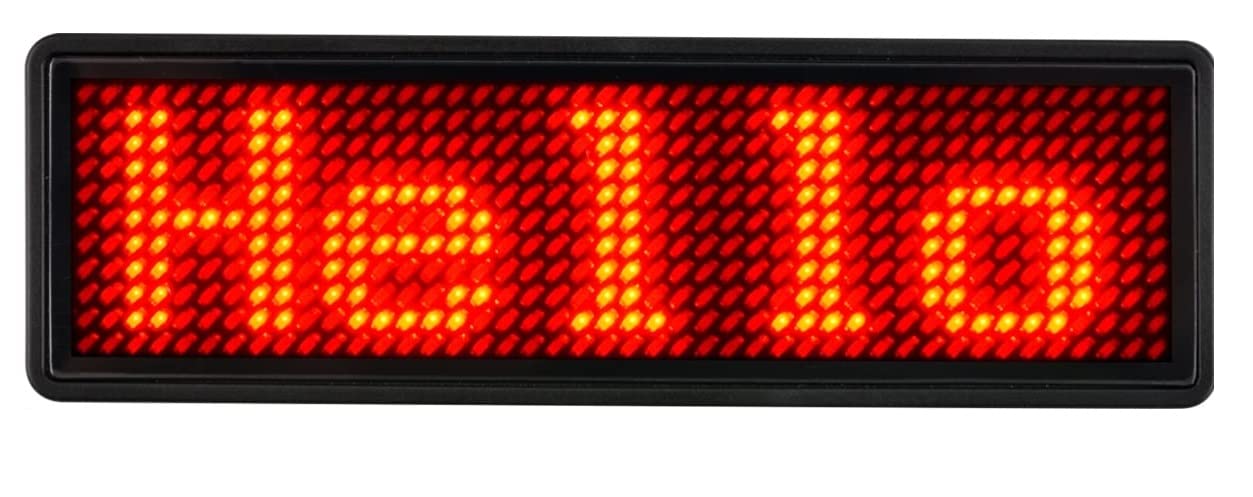
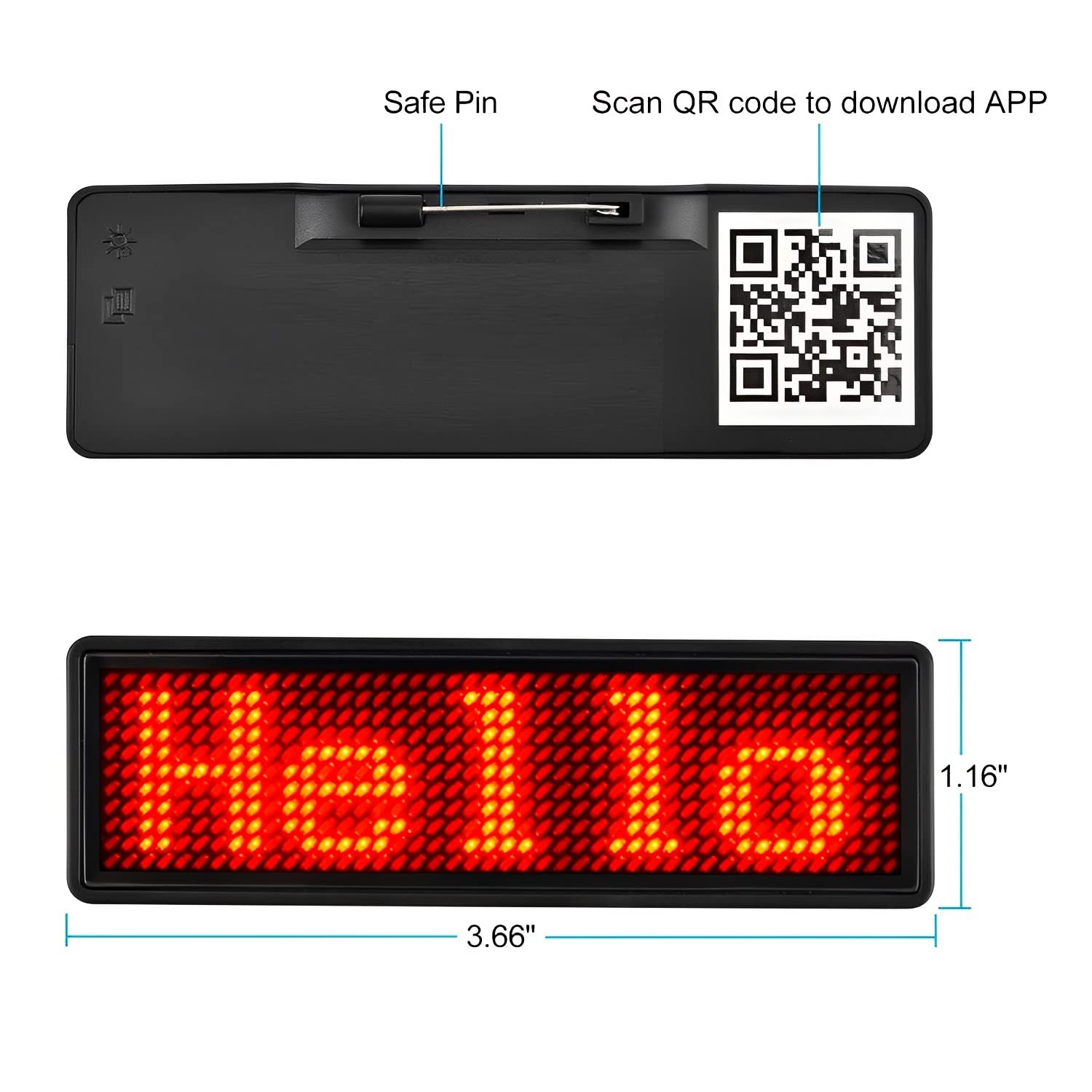
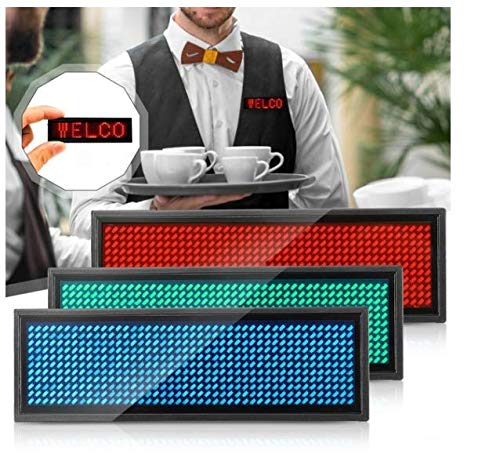
QAWACHH Flashing LED Bluetooth Badge Digital Scrolling Message,Operated by Laptop/PC/Smartphone (RED)
Brand: QAWACHH
Product Overview
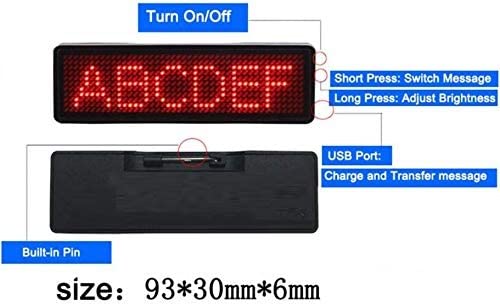
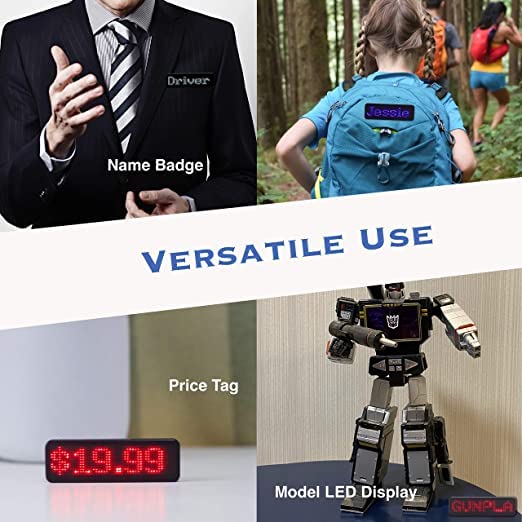
Need of laptop/PC/Smartphone to change the message on this led board,now you can edit your msgs .Led Scrolling Name Badge With Charger And Driver To Install In Computer. Put On Our Led Badge On Your Clothes, Good For Any Event, Off-Line Product Promotion, Trade Show, Fair, Exhibition, Election Campaign Etc. Our Led Badge Can Be Used Repeatedly By Rechargeable Battery Inside And Easy To Input Your Own Designed Text & Image By Usb From Pc Program, Thin And Light Weight !! Installation - Download the software, Install file from the link in manual , Open the software to input text LED Flashing, Magnetic , Screen Size: 85*23mm , Battery: 210mAh LI-Battery , Technics: Wearable. How to Setup Bluetooth LED Name Badge? 1. Turn on it by single press the power switch. 2. Open the Bluetooth function by single press again the power switch, the bluetooth symbol will display on screen. 3. Install “LED Badge” app in App Store for iOS device or “Bluetooth LED Name Badge” in Google Play for android device. 4. Run app and click the “settings” button and then click 11. 5. Edit customized messages you want. 6. Return to the list and select one or more lists. 7. Click the “send” button to synchronize your message.
Product Details