Sign In
Password
Forgot password?
New to ShopGlobal? Sign Up
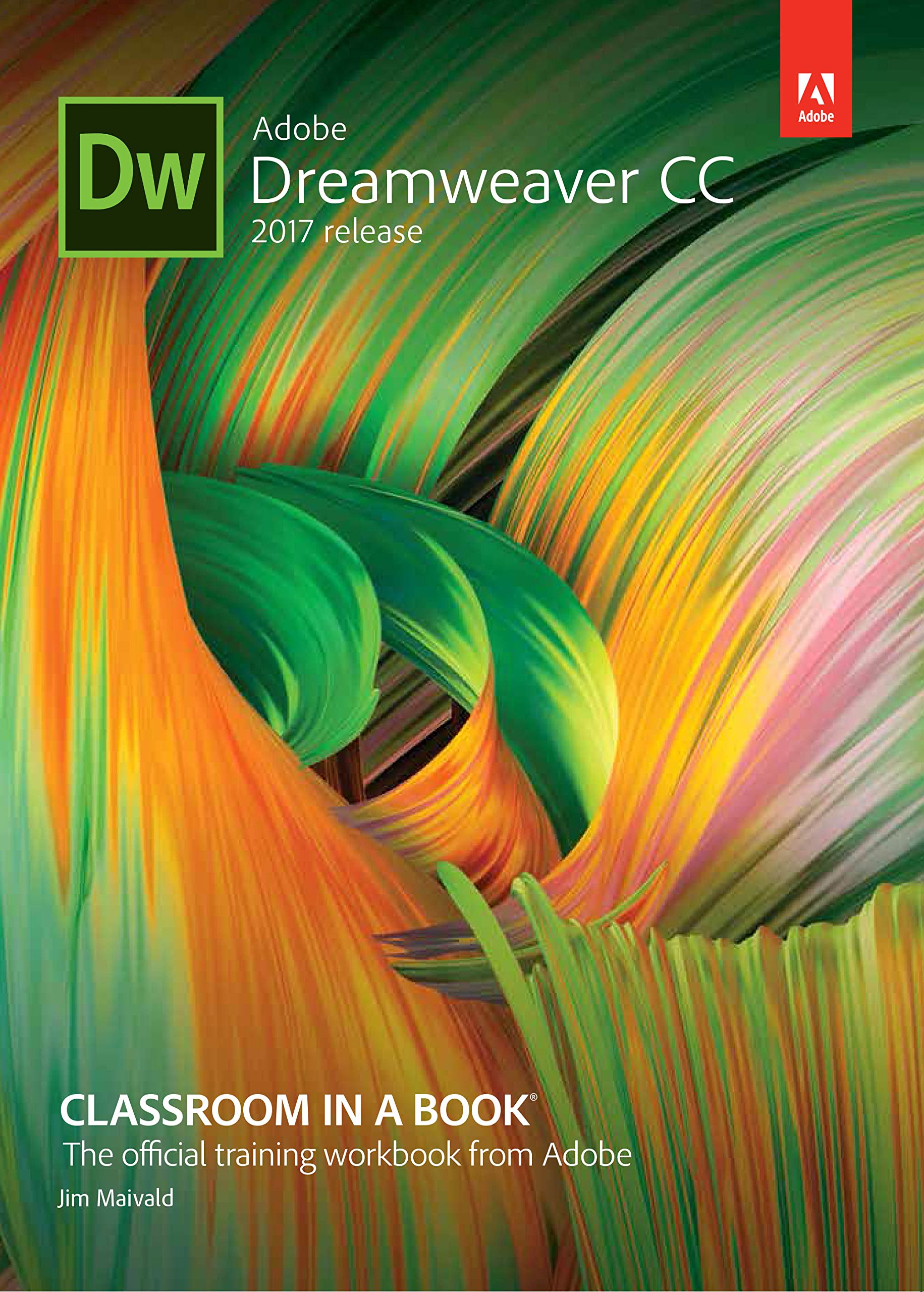
Adobe Dreamweaver CC Classroom in a Book
Brand: PEARSON EDUCATION
Product Overview
Product Description Creative professionals seeking the fastest, easiest, most comprehensive way to learn Adobe Dreamweaver CC (2017 release) choose Adobe Dreamweaver CC Classroom in a Book (2017 release) from the best-selling series of hands-on software training workbooks from Adobe Press. The 14 project-based lessons in this book show users step-by-step the key techniques for working in Dreamweaver. Learn how to create webpages for the modern web; use and customize web frameworks to build responsive designs for a wide variety of desktop computers and mobile devices with a minimum of hand coding; incorporate graphics, text, animation and video; build rich interactive applications; add links to text and images; add interactive elements to your sites, such as HTML5-compatible video and animation; work with HTML5 and CSS3 code and structures and publish a finished site to the web.The online companion files include all the necessary assets for readers to complete the projects featured in each Chapter as well as eBook updates when Adobe releases new features for Creative Cloud customers. All buyers of the book get full access to the Web Edition: a Web-based version of the complete eBook enhanced with video and interactive multiple-choice quizzes. As always with the Classroom in a Book, Instructor Notes are available for teachers to download.Features:Contents:1 Customizing Your Workspace2 HTML Basics3 CSS Basics4 Web Design Basics5 Creating a Page Layout6 Working with a Web Framework7 Designing for Mobile Devices8 Working with Templates9 Working with Text, Lists and Tables10 Working with Images11 Working with Navigation12 Adding Interactivity13 Publishing to the Web14 Working with Code15 Working with Web Animation and VideoBonus Online Lesson About the Author Jim Maivald is a graphic designer and artist with 25 years of experience in publishing and production. He has written five editions of Adobe Dreamweaver Classroom in a Book, as well as courseware on Adobe InDesign and XML geared for designers, Adobe Photoshop and Core lDRAW and dozens of articles for national magazines on electronic publishing and production. He leads popular seminars and training for individuals and Fortune 500 companies on InDesign and XML. An Adobe Certified Expert (ACE) in Dreamweaver, InDesign and Acrobat, Jim is also the co-leader for the InDesign User Group chapter in Chicago.